

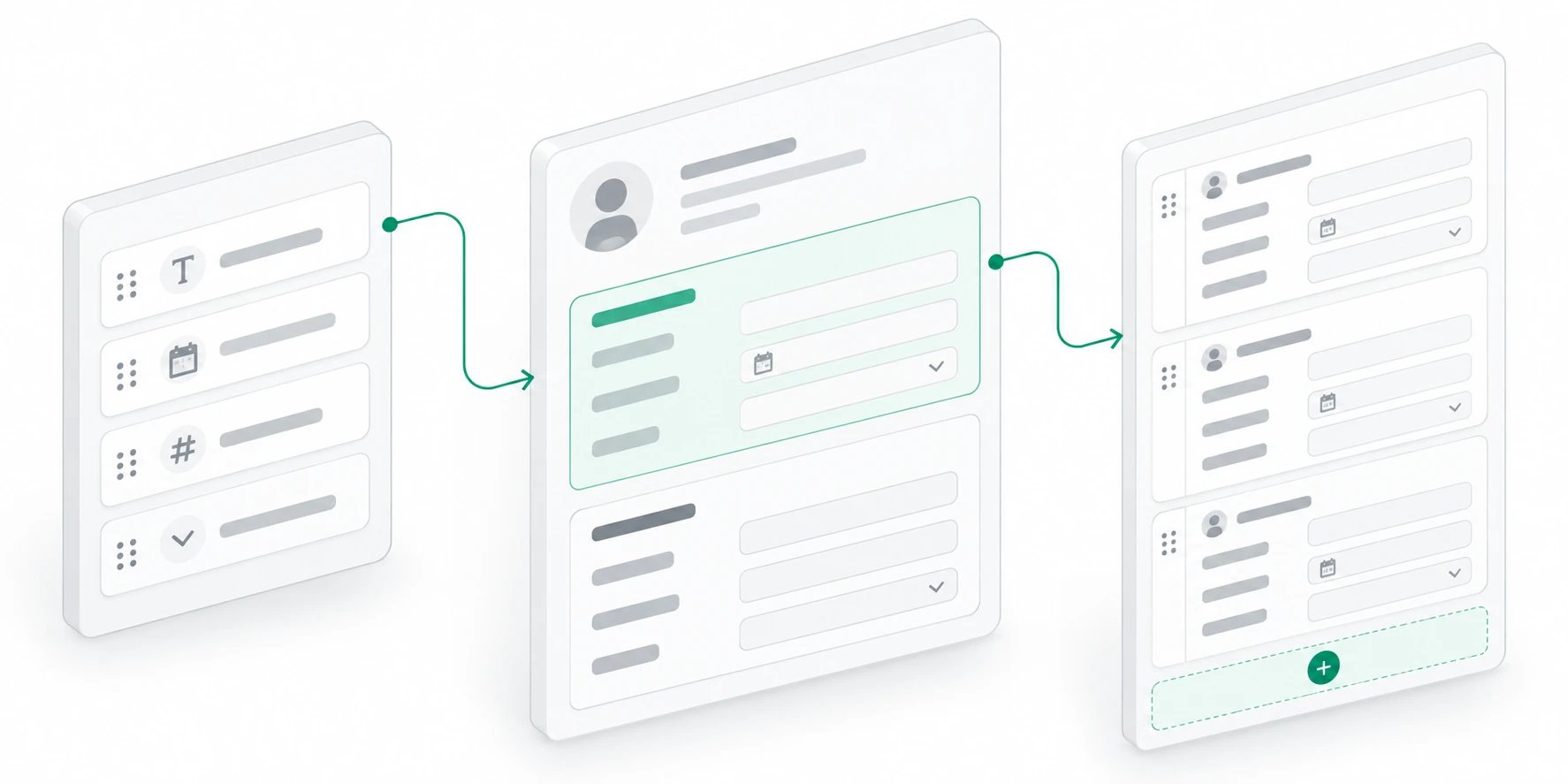
These endpoints are part of the upcoming record-sections release. Deploy the API with migrations 0135 and 0136 before using them.
https://api.getkato.io/v1 and require a developer access key.
Read and save a layout
:object accepts an object ID or slug. GET returns { "data": { "sections": [], "revision": 0 } } for an unconfigured object. PUT replaces the layout and requires the most recently read revision. Preserve sections you want to keep; removing a section retains its saved answers. Successful PUT returns the saved sections and incremented revision. Stale or simultaneous saves return 409; reload and reconcile before retrying. Record-scoped keys cannot write object layouts.
A field section uses ordinary object field IDs in display order:
fieldIds must be empty:
text, number, date, email, phone, url, checkbox, select. Select fields define options: [{id, label, color}]; values use option IDs. Fields are optional; null represents an empty value on a new entry. Reimporting an existing ID does not change its values. Dates use YYYY-MM-DD. Values must match the configured type.
Import entries
Configure the repeatable section first, then import source entries using stable IDs:{ "data": { "imported": 1 } }. The count means accepted submissions, including previously accepted IDs. This is an insert-only source import: retrying an ID preserves staff edits and removal tombstones. It does not replace all entries or delete entries omitted from a batch. A conflicting ID owned by another record or section returns 409 and rolls back the batch. Record-scoped keys may import only into their pinned record. Missing/deleted records and missing sections return 404.
Legacy integrations can explicitly configure repeatable.legacyGroups: [{id, bindings}], where bindings map child UUIDs to object-local scalar field IDs. Populated legacy answers are projected until materialized. Legacy source IDs must be exactly recordId:groupId. This compatibility mechanism is explicit; new integrations should use ordinary UUID entry IDs.
Errors and retries
Route validation, permission, lookup and conflict errors use{ "error": { "code": "invalid_request|insufficient_scope|not_found|conflict", "message": "..." } }. Authentication, body-size and rate-limit handling follow the shared API conventions.
Retry transient transport errors, 408, 429 and 5xx with the same entry IDs and payload. Treat an incomplete or malformed success response as unacknowledged. Fix 400/403/404/409 causes before retrying. Never regenerate source IDs on a retry.