

Changelog
Product updates and improvements from the Kato team.
Configurable record sections and repeatable entries.
Organize record details with shared sections
Prepared September 22, 2026 · Not yet deployed
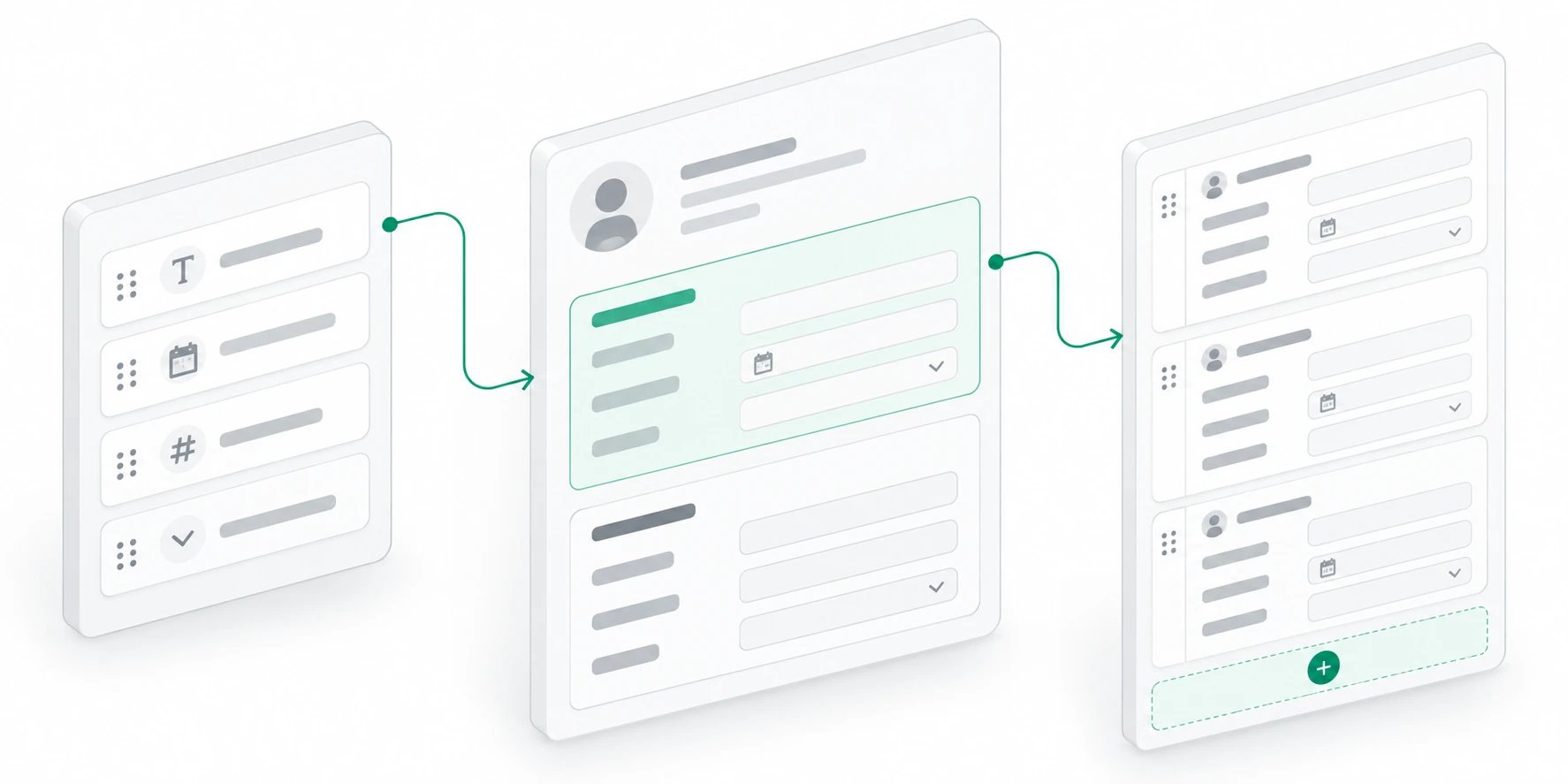
- Configure sections once for an object and show them consistently in record pages and sidebars.
- Choose Display attributes or Repeatable section in one editor. Reorder rows vertically using shared drag handles and consistent form controls.
- Keep Record Details’ compact preview and View all values. Custom sections expand only their selected attributes; attributes can appear in more than one section.
- Add, edit and remove record-owned repeatable entries. Removing a section preserves saved answers.
- Configure layouts and import entries through the record sections API. Stable source IDs preserve staff edits and removals when integrations retry.
Automation emails with record fields, and Kato for iPhone and iPad.
Turn new leads into useful emails
September 13, 2026
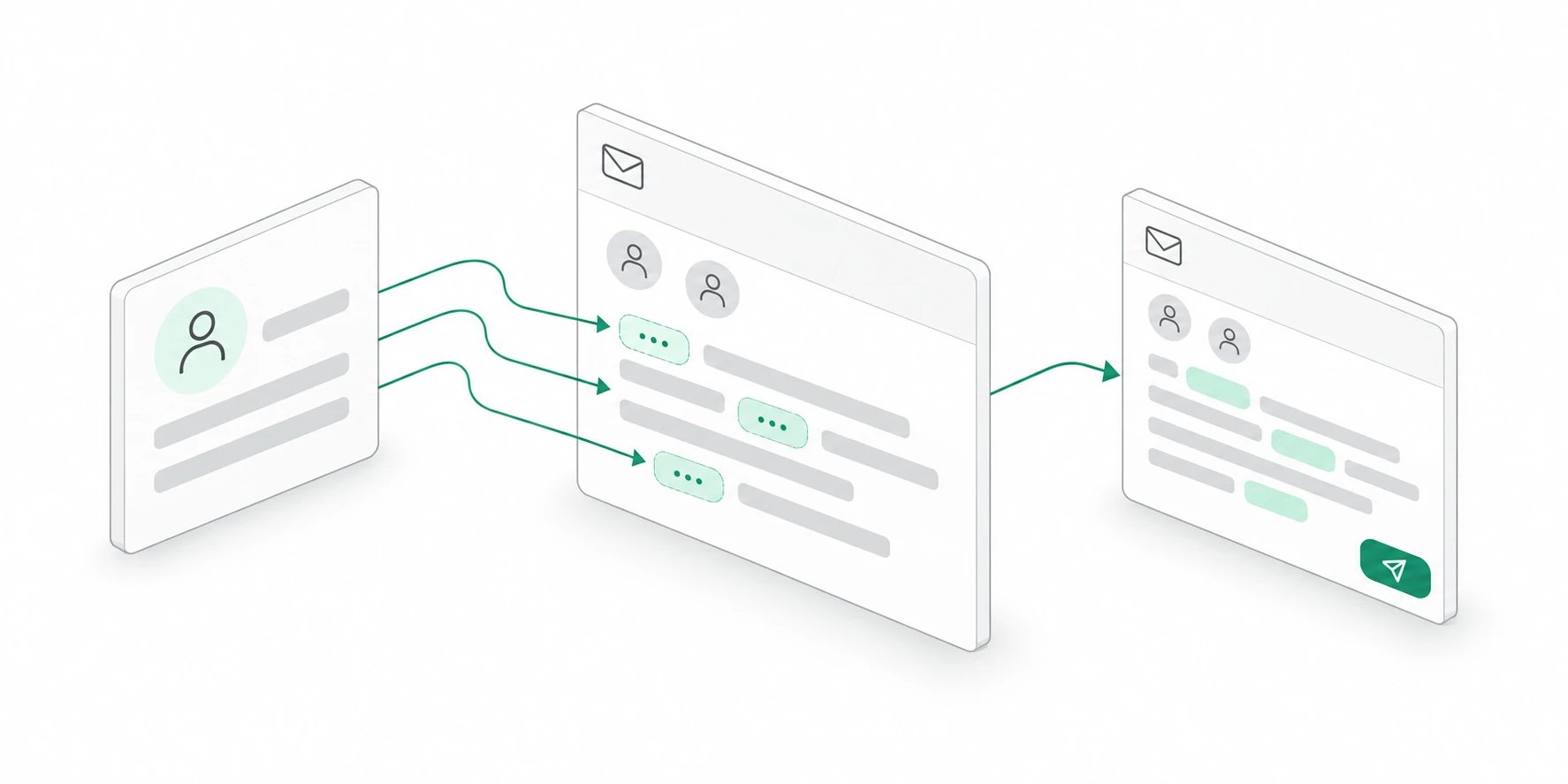
- Send emails from automations@getkato.io to workspace members or email addresses you enter.
- Insert record fields into the subject and message, including a lead’s name, email, and original message.
- Choose a sample record, review the filled-in email, and send a test before publishing.
- Explore AI-generated suggestions with matching icons and a horizontally scrolling list.
Release details
Release details
A useful email at the right moment
Add a Send email action after a record trigger to let the right people know when new work arrives. Select teammates from your workspace or enter email addresses directly. Every automation email sends from automations@getkato.io.For a new lead, that can mean sending the team the contact details and inquiry immediately, so they have the context to follow up.Bring the record into the message
Insert fields into the subject and message using the variable picker. Fields appear as inline chips, just like in the email composer, and fill in with the record’s values when the automation runs.Include the lead’s name in the subject, then add their email address and original message to the body. You can mix those fields with your own text to make each notification easy to read.Preview it, then send a test
The new Send test email button lets you select a sample record and review the actual subject, message, and recipients before sending. When it looks right, send the test directly from the preview.Testing an email does not require publishing the automation or running its other steps.An easier place to start
AI-generated suggestions now reflect your workspace and use icons that match each idea. Scroll across the suggestions to explore more, with a fading edge showing when more are available.Natural-language setup better recognizes requests such as sending an email when a new lead arrives. Keyboard navigation also keeps closed sidebars out of the tab order.Related guides
- Build an automation: Connect triggers and actions in your workspace.
- Explore workspace automations: See the record, task, and messaging actions you can combine.
Kato is now on the App Store.
September 10, 2026
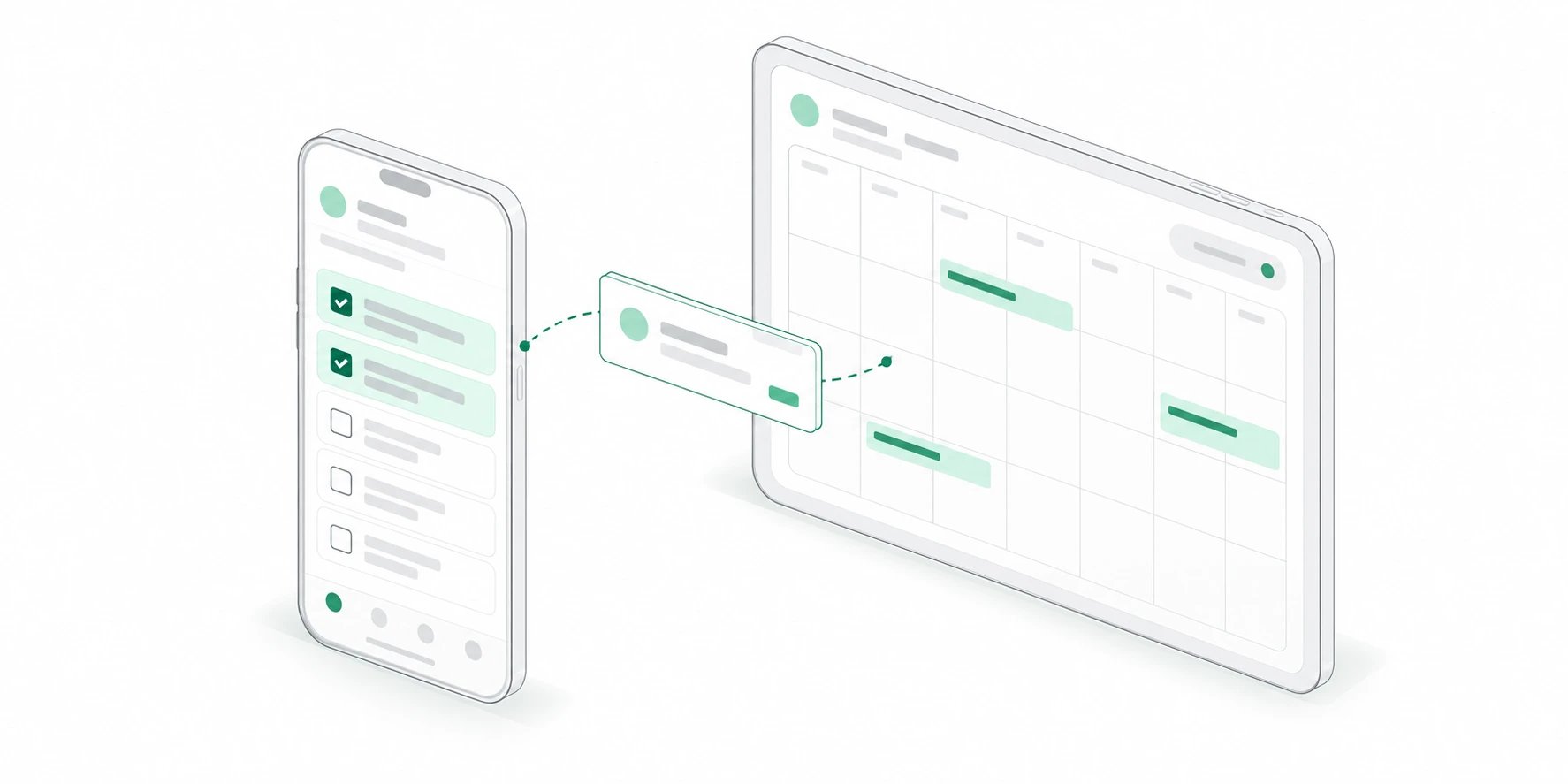
- Review assignments, capture tasks, and keep client follow-ups moving from your phone.
- See meetings and dated tasks together in Calendar, including schedules across workspaces.
- Search workspace records and conversations, or ask Kato what needs your attention next.
Release details
Release details
Client work, wherever the day takes you
Kato for iOS brings your workspace to iPhone and iPad. Review tasks between appointments, check the calendar before a meeting, and find the client context you need without opening your laptop.Tasks, Calendar, Search, and Ask Kato connect to the same workspace your team already uses, so you can pick up work on your phone and continue later at your desk.Get started on iPhone and iPad
Download Get Kato from the App Store and sign in to access your existing workspaces. New members can create an account and a Free workspace to get started.The iOS app is a free companion to the Kato web workspace. Feature access follows your workspace’s plan. Read the launch story for a closer look at what you can do on mobile.Related guides
- Read the launch story: Meet Kato for iOS and explore the work you can take with you.
- Download on the App Store: Get Kato for your iPhone or iPad.
- Organize tasks: Keep ownership, status, and follow-ups connected.
Raycast, client inbox, task planning, workspace customization, QuickBooks, automations, and Ask Kato.
Your Kato workspace, one shortcut away
August 28, 2026
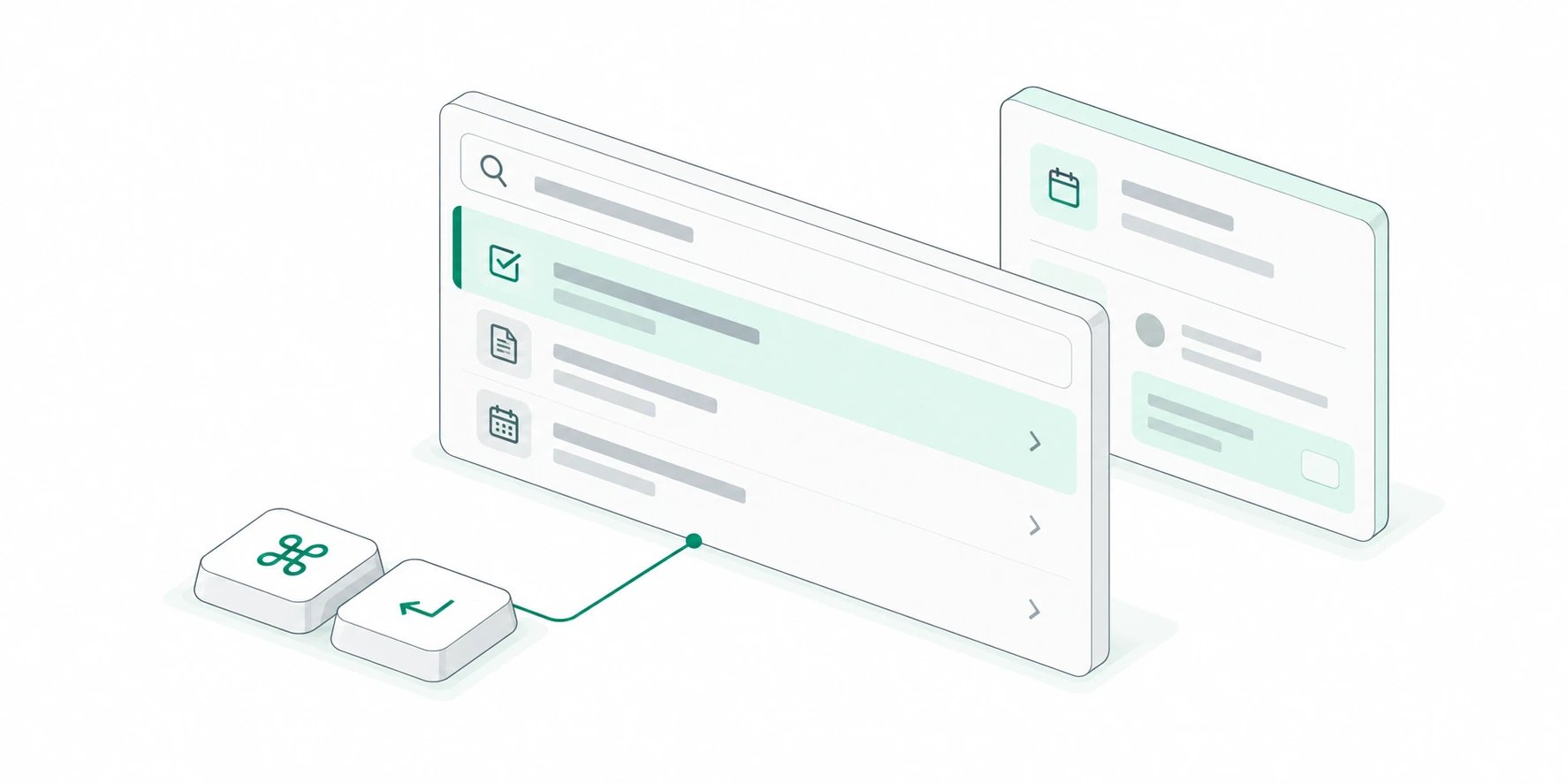
- Open My Day to see upcoming meetings, overdue work, tasks due today, and unread notifications in one view.
- Search tasks, records, and meetings or browse workspace objects using the same names, avatars, fields, and permissions as Kato.
- Create and edit tasks, link records and meetings, add comments, join calls, and switch workspaces without breaking your flow.
Release details
Release details
Start with what needs attention
My Day turns Kato into a focused daily command center. Current and upcoming meetings sit beside overdue tasks, work due today, and unread notifications, with a useful preview for whatever is selected.The primary action follows the context: join the next call, open a task, mark work complete, comment, or continue in Kato when the full workspace is the right place to finish.Capture and update work from anywhere
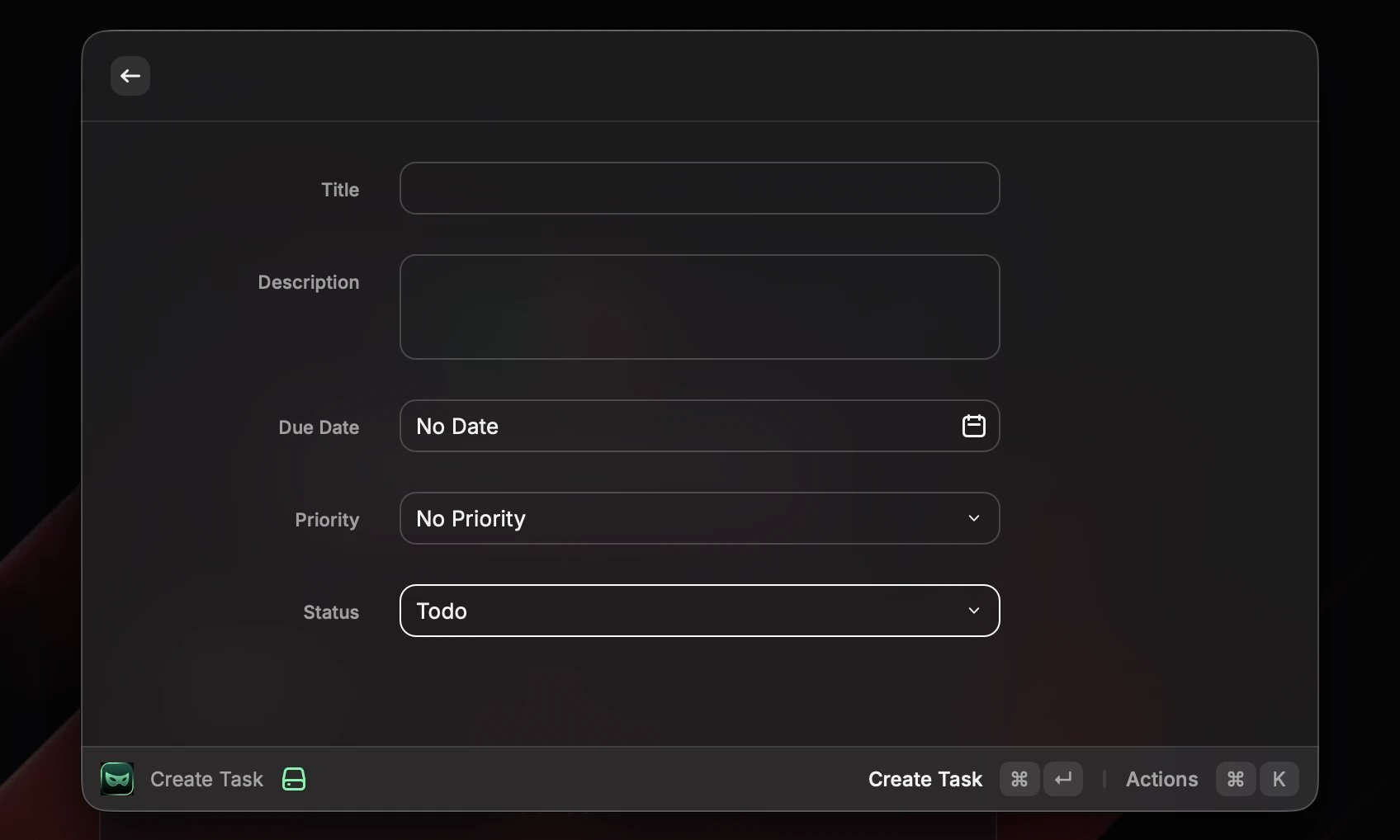
Create Task brings Kato’s familiar task fields into Raycast, including status, priority, due date, estimate, assignees, section, linked records, and linked meetings. Record and member pickers use the same avatars and fallbacks as the web app, so the right person or project is easy to recognize.Existing tasks can be opened for their details, comments, files, and activity. Quick actions handle common changes immediately, while the complete edit form is there when a task needs more context.Search the workspace, then act
Search Workspace reaches across tasks, records, and meetings. Objects provides a cleaner route into every record type, preserving each object’s color, icon, primary display name, and typed fields rather than flattening workspace data into generic search results.From a result, open the full record, create a linked task, add an activity comment, copy a useful field, or jump into an upcoming meeting. Privacy rules for shared calendars and workspace permissions remain exactly where Kato enforces them.A secure connection built for Raycast
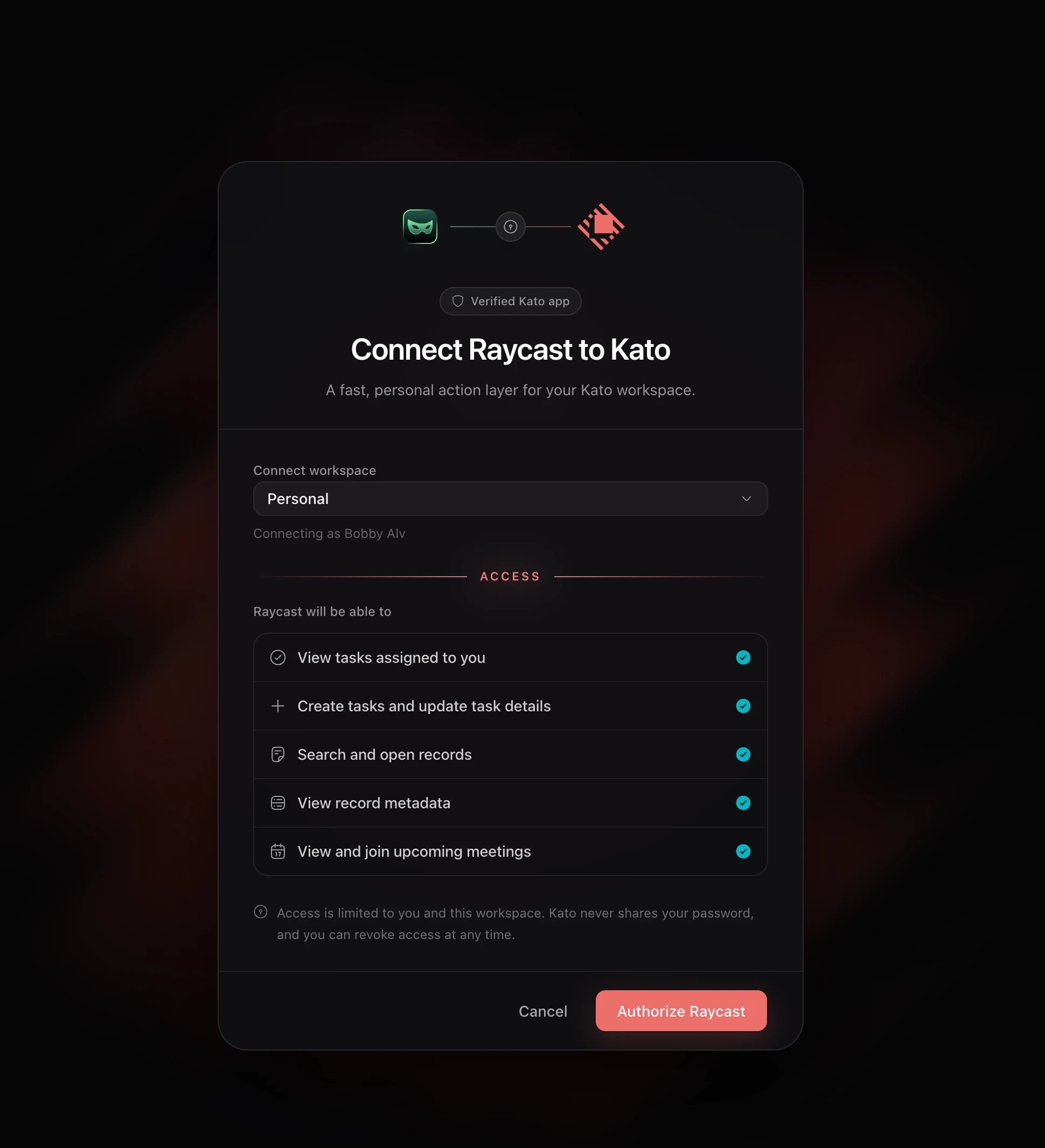
The extension uses OAuth with PKCE, so there is no API key to copy into Raycast. Sign in with Kato, choose a workspace, review the requested access, and return to Raycast already connected.Access stays personal and workspace-specific. Current Workspace shows the active connection and provides a direct way to reconnect or switch workspaces while Kato continues to recheck membership, permissions, and workspace access on every request.A complete view of your day
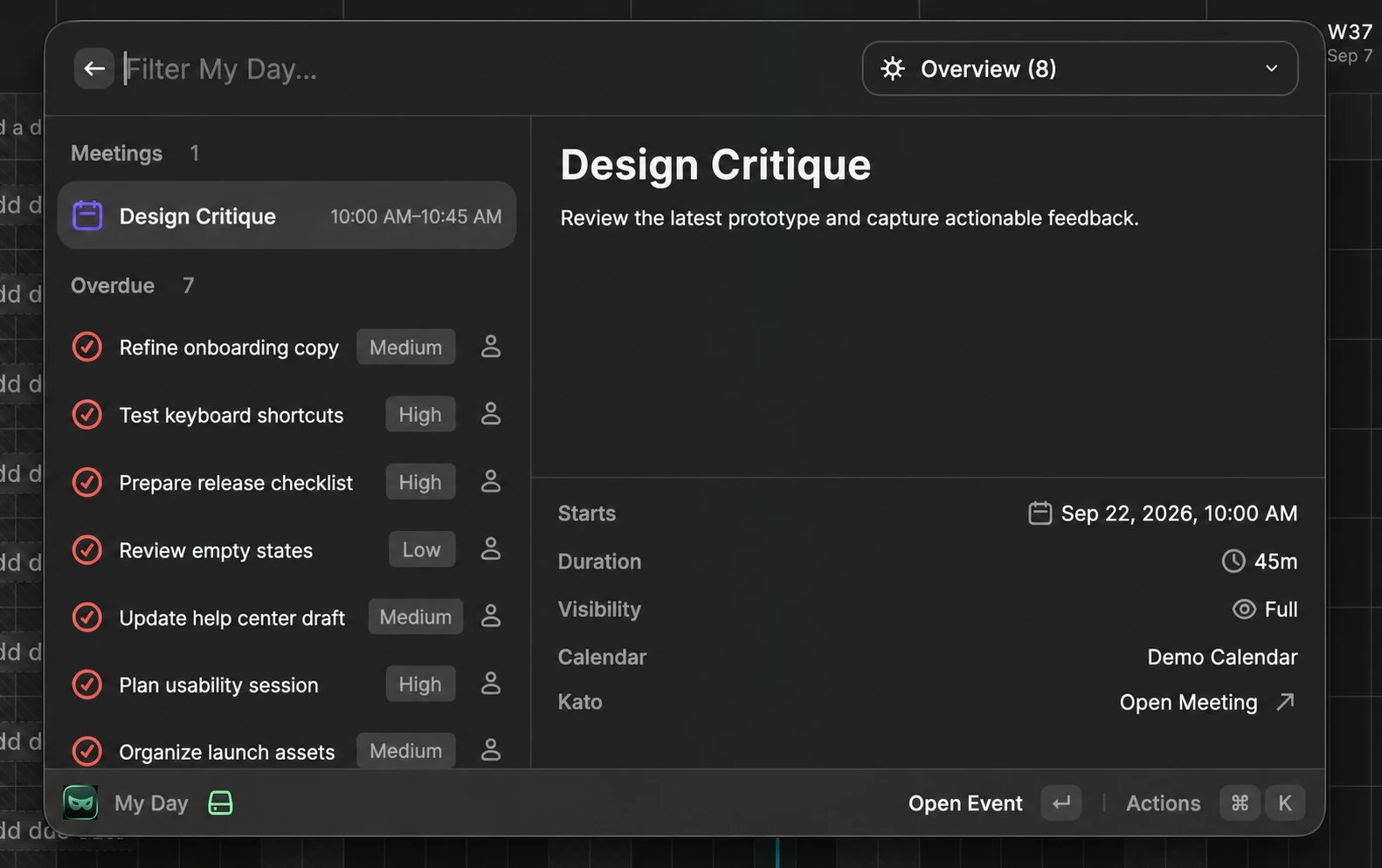
Capture work without losing context
Connect with Kato OAuth
Related guides
- Organize tasks: Learn how task ownership, status, priority, and links work in Kato.
- Browse integrations: See the tools that connect with your Kato workspace.
Every client conversation, in one inbox
August 25, 2026
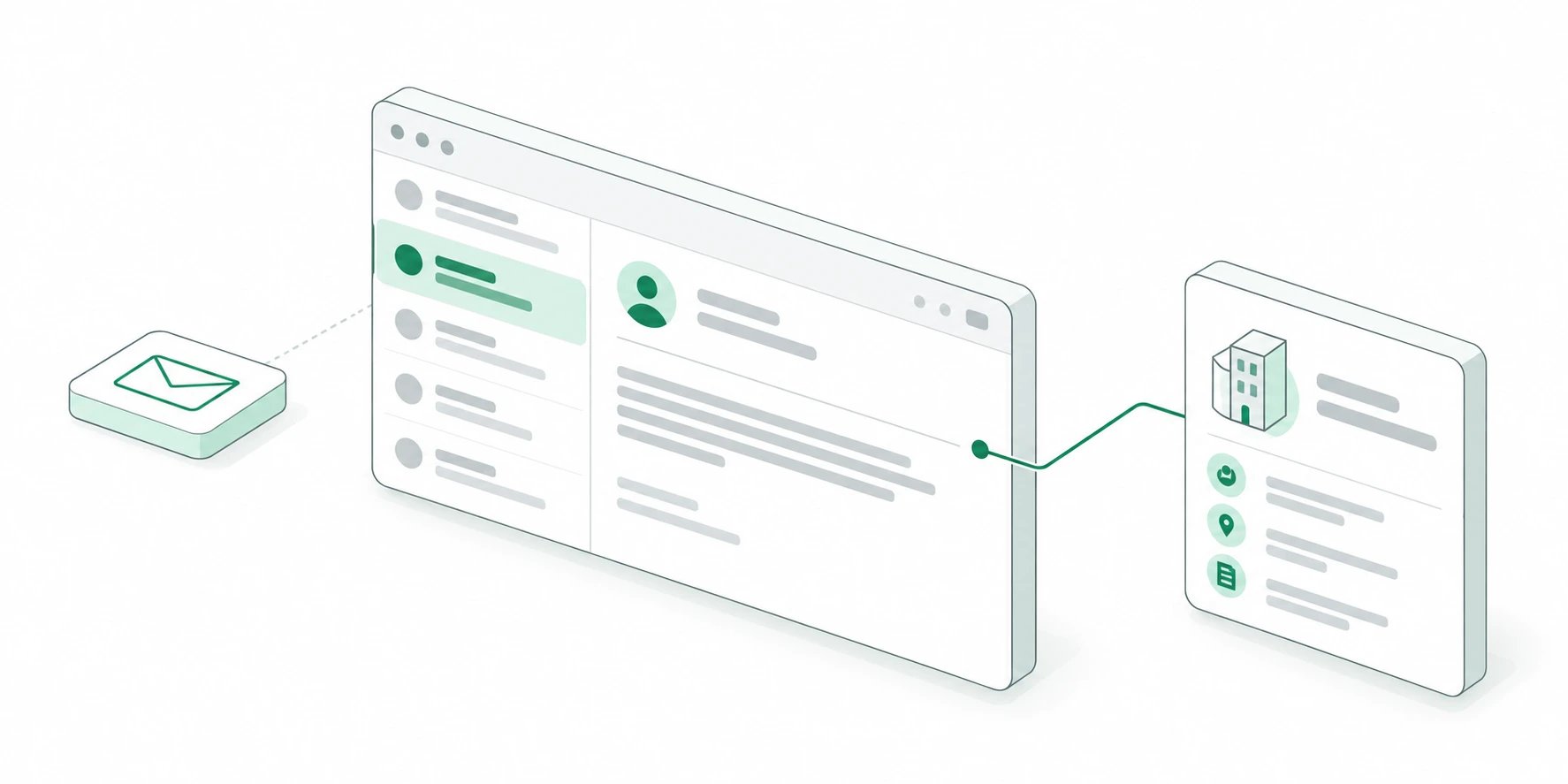
- See client-linked Gmail conversations without searching across every client, person, or project.
- Review mentions from tasks, comments, and records with the same read state as the notification menu.
- Open editable record details, linked tasks, activity, and quick actions beside an email thread.
Release details
Release details
A personal inbox for client work
Inbox brings together the Gmail conversations connected to records in your workspace while keeping each member’s connected account private. Search, unread, client, and account filters make it possible to work through the right conversations without opening records one by one.Drafts and sent conversations remain close by in the inbox menu. Drafts save across devices, keep their recipients, linked records, account, content, signature, and attachments, and stay available if sending fails.Mentions that are easier to act on
The Mentions view collects the places where someone needs you across tasks, comments, records, and other workspace activity. Unread filtering and read controls share their state with the notification menu, so clearing an update in one place clears it everywhere.Inbox and Mentions stay as the two primary views, keeping communication focused while sent mail and drafts remain available without taking over the navigation.The record stays beside the conversation
Open a thread and Kato shows its messages alongside the matching client or contact. Move between every matched participant, resize the message and record panels, review activity, edit record fields with the same controls used on the record page, and open linked tasks without losing the email.Quick actions create a linked task, compose another email, schedule a meeting, or start a document from the active record. When an email address does not belong to a record yet, the same panel offers a direct path to add it to an existing record or create a new one.Related guides
- Connect an integration: Connect Google so Kato can work with your Gmail account.
- Organize tasks: Learn how linked tasks, ownership, and status work in Kato.
Plan the work, right where it lives
August 11, 2026
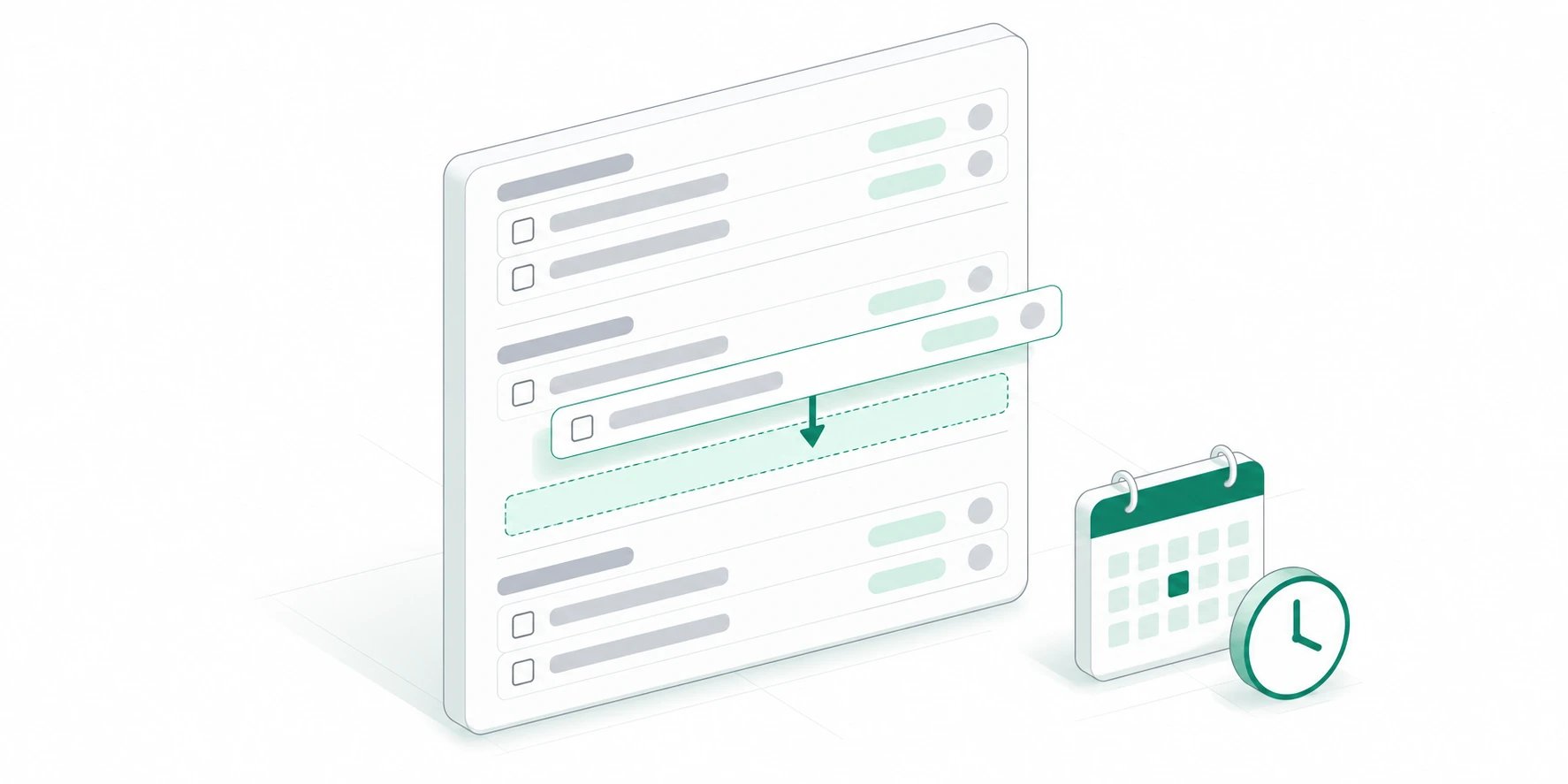
- Group work by schedule, from overdue and today through next week, later, and tasks without dates.
- Add tasks directly inside a group and set their status, due date, and estimate without opening another screen.
- Filter the Home task widget by range or status, then ask Kato for an estimate you can review and apply.
Release details
Release details
A clearer plan by time
Tasks can now be grouped by schedule, with dedicated sections for overdue work, today, tomorrow, this week, next week, later, and tasks without a date. The boundaries follow your preferred start of the week, so the plan matches the calendar your team already uses.The Home task widget now keeps its view and filter controls beside the date. Switch between day and status views, then narrow the status view to today, this week, this month, all dates, or a specific status.Add work without losing your place
Each task group now has its own inline Add task row. Open it from the row, enter a title, and optionally choose a status, due date, or estimate before saving. The new task inherits the group you started from, whether that group represents a status, priority, assignee, section, or point in the schedule.That shorter path keeps planning in context: you can build out a list where the work belongs instead of repeatedly opening and closing the full task form.Estimates you can act on
Estimated time is now available while creating a task, in task details, and as a sortable task-table column. Choose a common duration or enter hours and minutes directly, then adjust or clear the estimate from the same control.When the right duration is not obvious, Suggest with AI opens a new Ask Kato conversation with the task context attached. Kato explains its assumptions and prepares a reviewable estimate proposal; you decide whether to apply it to the task.Related guides
- Organize tasks: Learn how task ownership, status, and priority work in Kato.
- Use Ask Kato: Bring workspace context into an Ask Kato conversation.
Make the sidebar yours
August 7, 2026
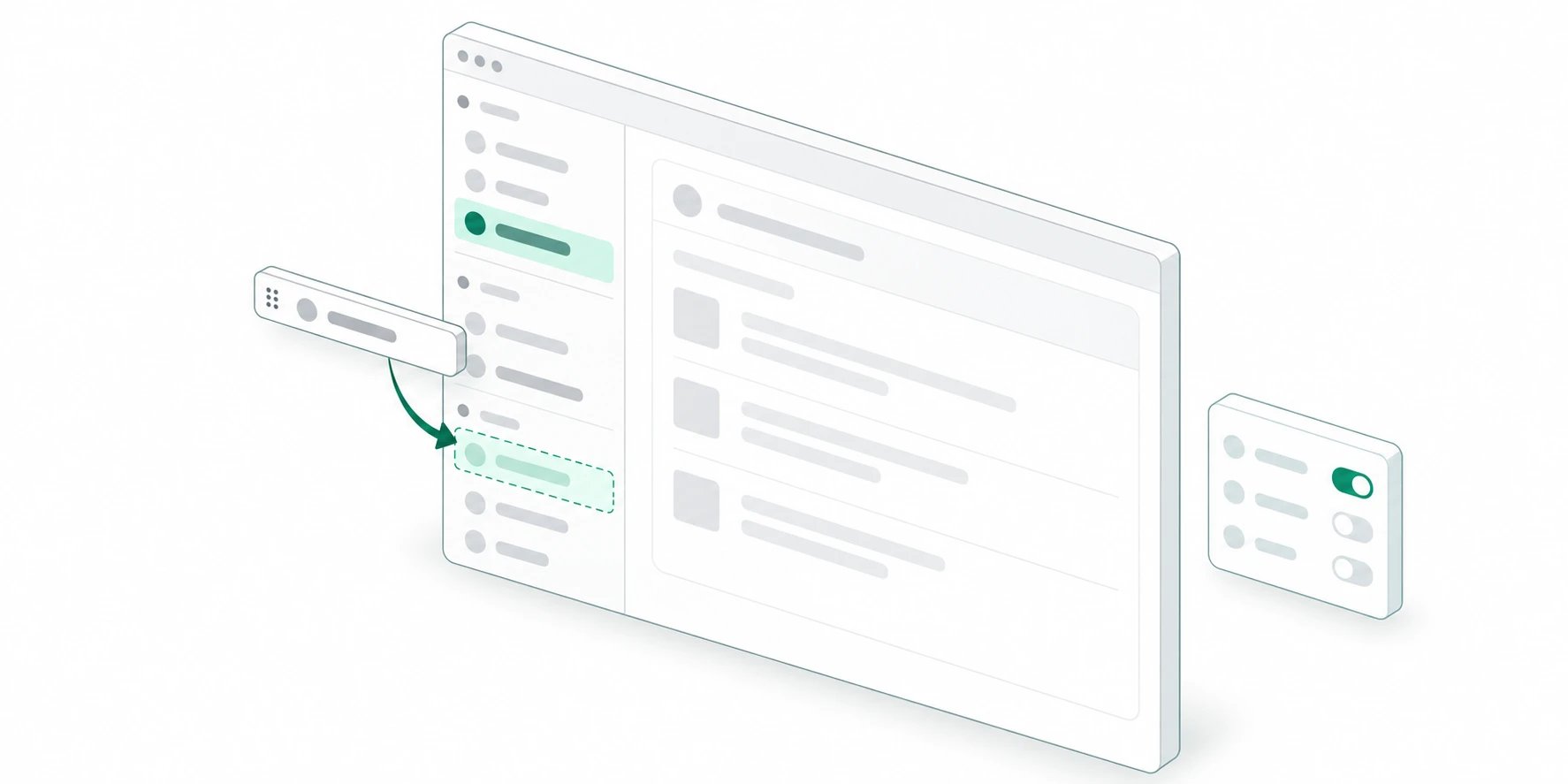
- Drag to reorder navigation and sections, or hide what you do not need.
- Customize inline from the expanded sidebar, or open Settings → Sidebar.
- Your layout, collapse state, and visibility sync for you in each workspace.
Release details
Release details
A sidebar that fits your day
Every teammate can arrange Home, Tasks, Calendar, and the rest of the primary nav in the order that matches their routine. Sections like Favorites, Objects, and Chats can move as blocks or turn off entirely when they are not part of how you work.Changes apply only to you in that workspace, so personal focus never rewrites a shared company setup.Customize where you already are
Enter Customize from the expanded docked sidebar to drag items and toggle visibility without leaving your work. Right-click a nav item or section to hide it, open Customize, or jump to Sidebar settings.Settings → Sidebar gives you the full list for sections and navigation, plus a reset that restores the default layout without clearing your favorites or chats.Saved the way you left it
Collapsed sections and your preferred order persist across sessions. A short local cache keeps the layout feeling immediate when you open a workspace, while the server remains the source of truth for each workspace you join.Related guides
- Visit the Help Center: Find setup guides and answers for Kato.
- Organize tasks: Learn how task ownership and status work in Kato.
QuickBooks Online meets Kato invoices
August 7, 2026
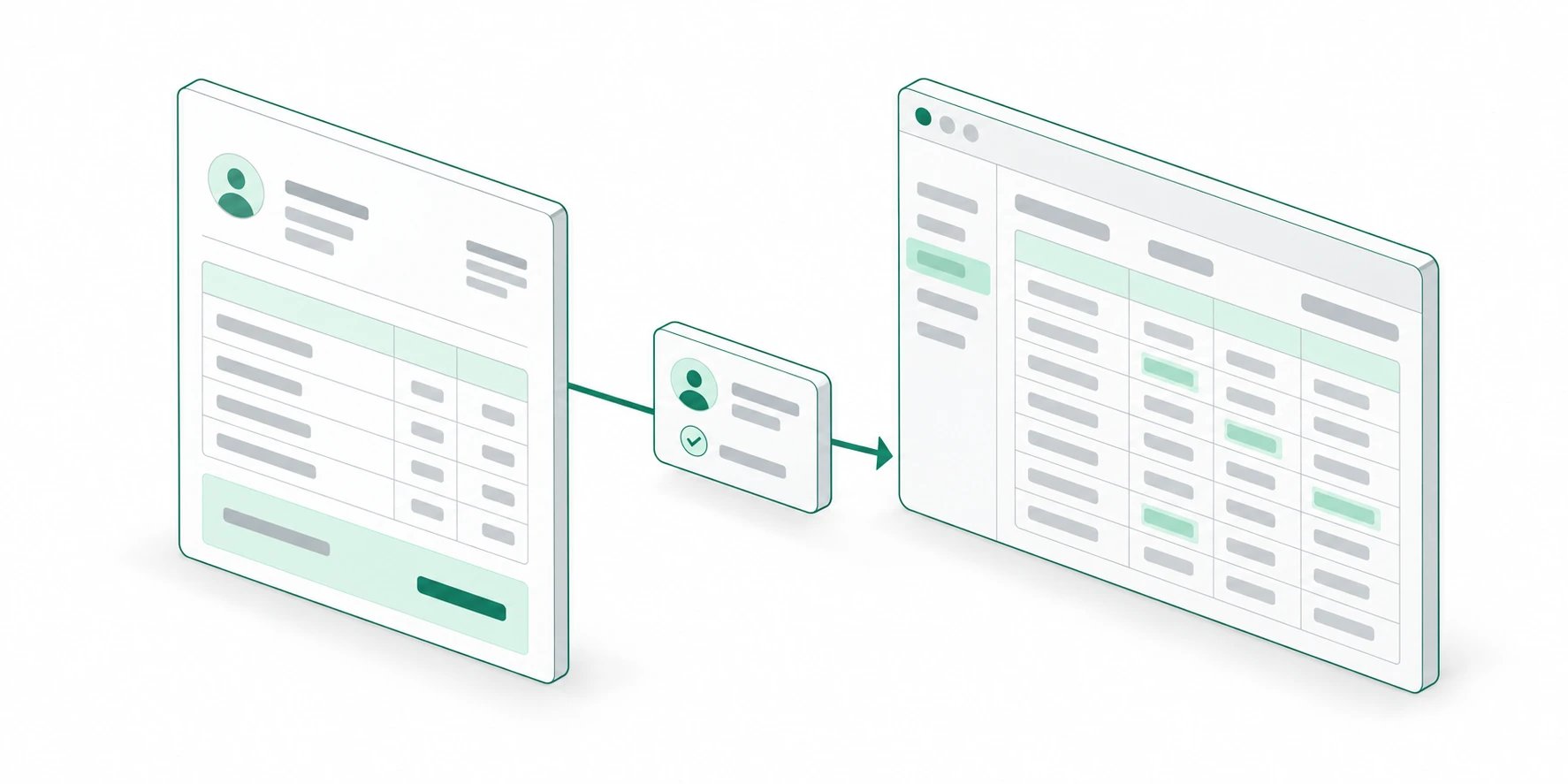
- Connect a US QuickBooks Online company from Integrations.
- Sync customers, invoices, payments, and voids in the background after you send work from Kato.
- Choose which payment methods each invoice offers, including an optional QuickBooks pay link.
Release details
Release details
Books that follow the invoice
Connect QuickBooks Online from workspace Integrations and Kato becomes the place you create and send client invoices. Customers, invoices, payments, and voids sync into QuickBooks in the background, so an Intuit delay never holds up the email your client is waiting on.Kato stays the source of truth. QuickBooks is a write target: Kato does not pull competing edits back into the invoice you already sent, and balances are compared rather than overwritten when they disagree.Payment methods you control
Each invoice can show the payment methods that fit that client — Venmo, Cash App, PayPal, and an optional QuickBooks pay link for ACH or card when your company has them enabled.Choose the set once in invoice setup, or leave the default so new methods you configure later still appear. Settled Stripe invoices keep the QuickBooks pay button hidden so a second payment channel cannot create confusion.When someone edits QuickBooks
If a teammate or bookkeeper changes numbers in QuickBooks, Kato can surface a balance disagreement instead of silently pushing Kato’s version over their work. That keeps legitimate bookkeeping intact while still flagging drift against what the client received.Related guides
- Browse integrations: Connect Kato to the tools your work already uses.
- Connect an integration: Learn how workspace connections are managed.
Automations that move work forward
August 4, 2026
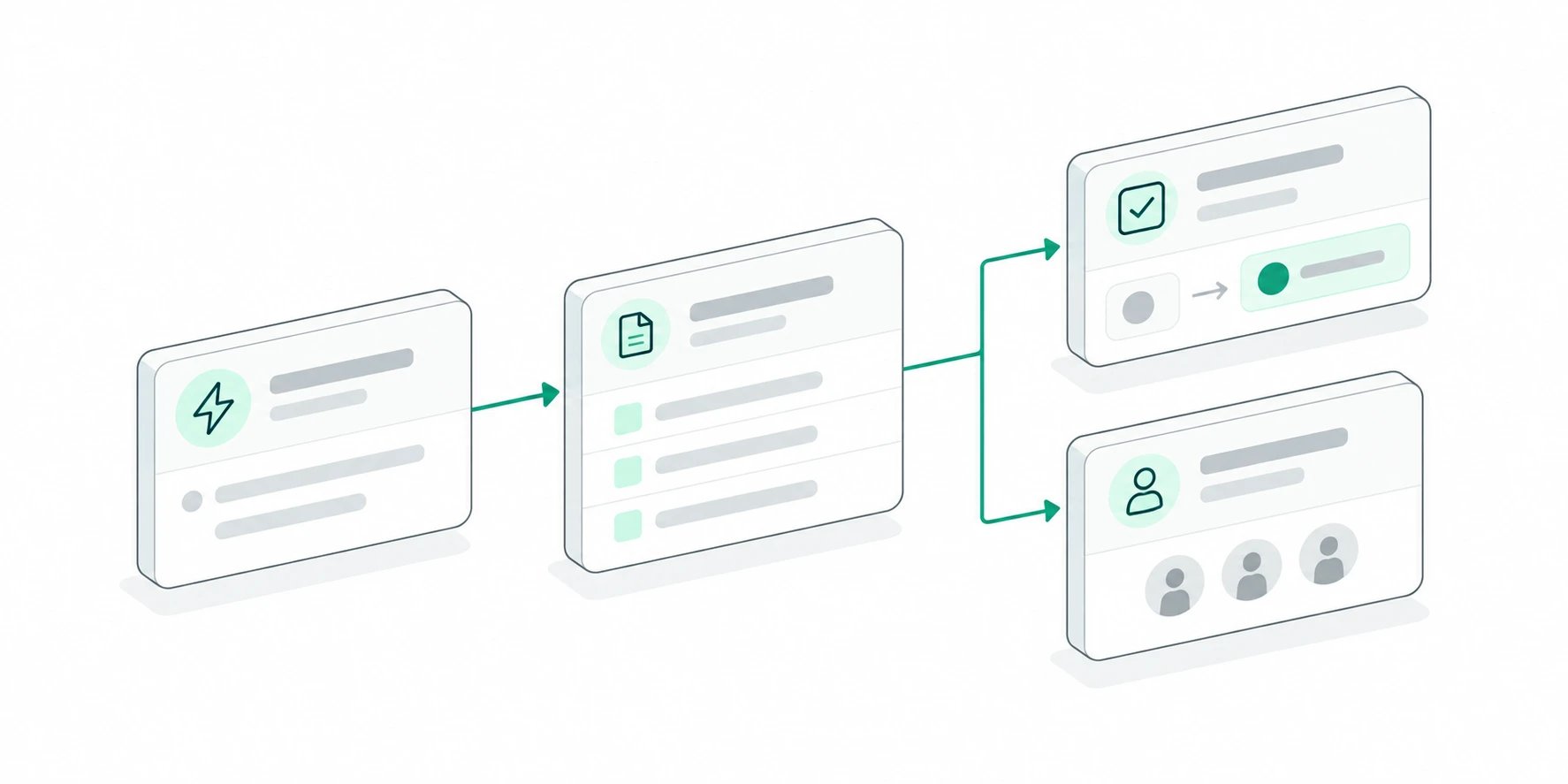
- Create, find, and update workspace records as part of a workflow.
- Change task status, priority, assignees, due dates, and comments, or distribute ownership with round robin.
- Send targeted celebrations and broadcast messages, with previews plus browser and mobile delivery.
Release details
Release details
Records and tasks, without the handoff
Automations can now create records, find the right records, update existing ones, or create a record only when a match does not already exist. That makes it possible to keep workspace data current as work moves from one stage to the next.Task actions now cover the routine changes that usually interrupt a workflow: creating a task, changing its status or priority, assigning or unassigning people, setting a due date, and adding a comment. Changes are applied as they are selected, so each step stays quick to configure.Put the next task in the right hands
Round robin actions distribute work across a selected group instead of sending every new task to the same person. Each run advances ownership to the next teammate and can assign the task automatically when the workflow begins from task activity.Together with the new assignment, priority, and status actions, a workflow can move work from intake to an accountable next step without a manual triage pass.Make important moments visible
Celebration actions can mark a milestone with a ceiling drop, fireworks, or cannons. Broadcast messages can share a styled announcement with everyone or a selected group, and the built-in test action shows exactly how the message will appear before the workflow goes live.Broadcasts preserve the description’s formatting and can reach active Kato sessions, registered browsers, and the native app. Each member can control broadcast push delivery from notification settings without muting task and collaboration updates.Related guides
- Build an automation: Learn how to connect triggers and actions in Kato.
- Organize tasks: See how task ownership, status, and priority work.
Ask Kato, grounded in your work
August 1, 2026
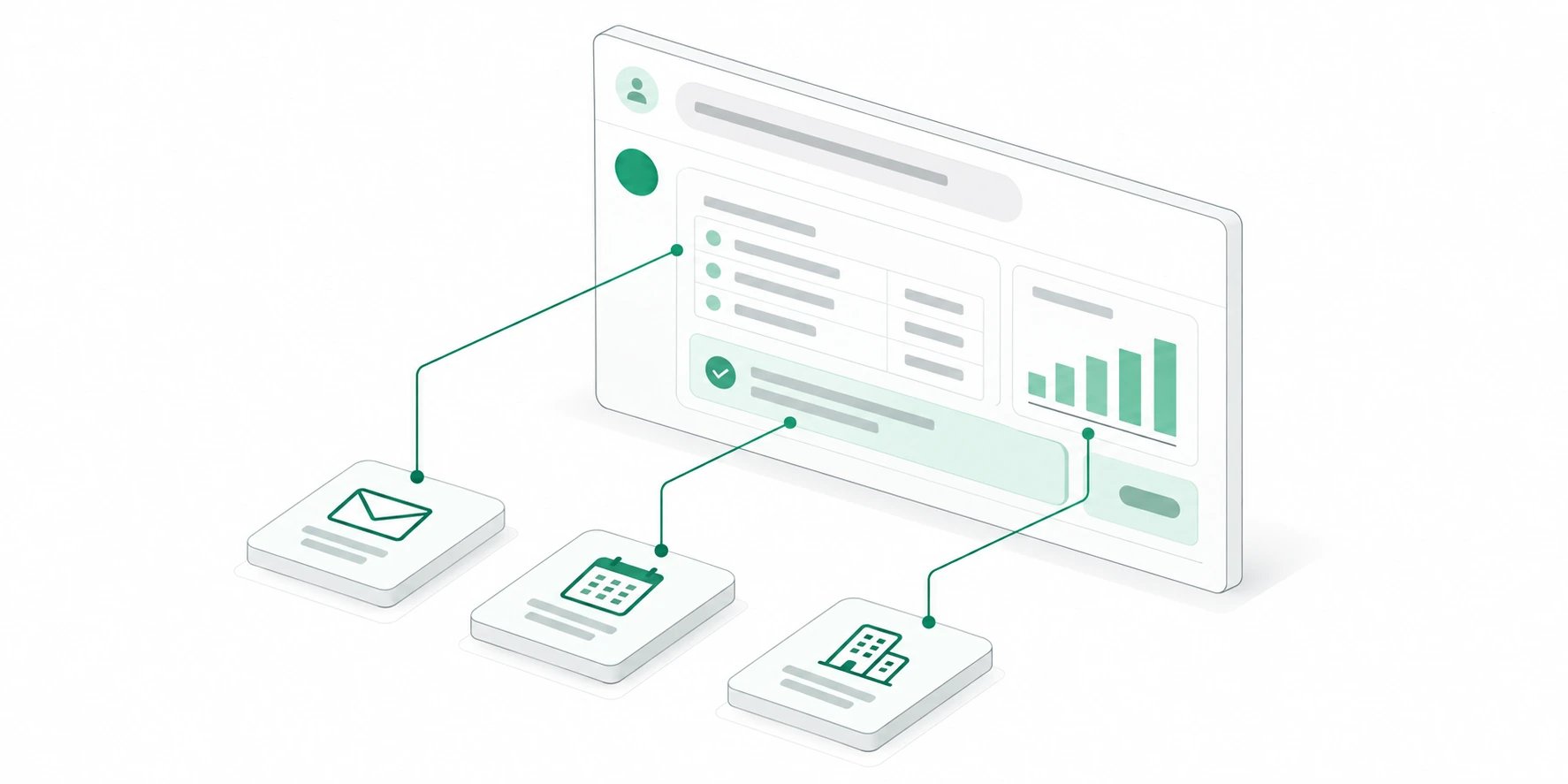
- See tasks, deployments, tables, charts, and record context in purpose-built answer cards.
- Trace answers back to the records, meetings, emails, and activity that informed them.
- Choose a preferred AI model once and keep that choice across new conversations.
Release details
Release details
Answers that fit the work
Ask Kato can now present structured information in a format that matches the question. Task lists stay scannable, tables keep their columns, charts make trends visible, and deployment details arrive with the context needed to understand a release.The result is less time translating a long response into the next action. Important details remain easy to review in the conversation, whether you are checking account health, planning a launch, or catching up on a project.More context, with evidence
Grounded record answers can connect fields, related work, tasks, meetings, email, and recent activity. Ask Kato can also show the evidence behind a conclusion, identify missing context, and suggest a useful follow-up.When an answer proposes a record update or needs information from the web, the decision stays visible and reviewable before anything changes.Your model choice follows you
Choose the AI model that best fits your work and Kato will remember that preference for new conversations. The setting stays consistent across web and mobile, while still allowing you to switch when a task needs a different capability.Related guides
- Explore Ask Kato: See how Ask Kato works across your connected workspace.
- Use Ask Kato: Learn the basics and start a useful conversation.
Invoices and retainers, mobile calendar, push notifications, and developer tools.
Invoices and retainers are here
July 29, 2026
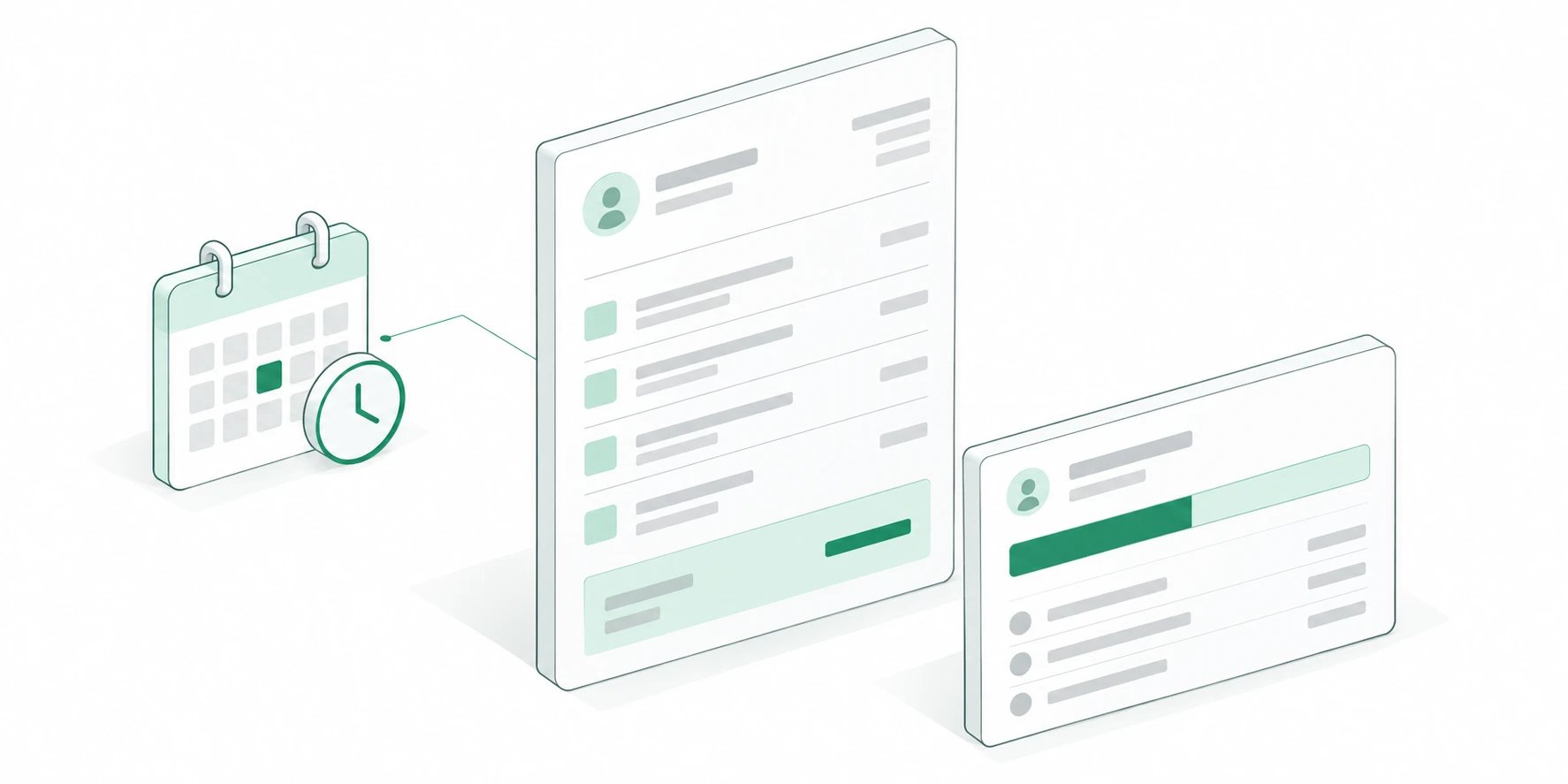
- Draft and send polished invoices directly from Kato, with delivery handled for you.
- Schedule an invoice to go out at the right time instead of keeping a reminder on your list.
- Track retainer usage and overages as work is logged, with alerts before surprises reach the client.
Release details
Release details
Billing beside the client work
Invoices now live with the clients, projects, and time that produced them. Create a draft, review the details, and send a polished invoice without rebuilding the same context in another tool.Kato handles invoice delivery directly, so the sent record and the work behind it remain connected for the team.Send now or schedule it
An invoice can leave immediately or wait for a scheduled delivery time. Scheduled sending makes recurring billing routines more dependable and removes another manual follow-up from the calendar.The same flow is available from mobile when billing work needs attention away from a desk.Retainers that reflect real usage
Retainer agreements track usage as time is recorded. Teams can see how much of an agreement remains, identify overages, and receive alerts before a billing surprise reaches the client.That shared view gives delivery and finance the same picture of the relationship throughout the billing cycle.Related guides
- View Kato pricing: Compare plans and see what is included.
- Billing and plans: Find answers about workspace billing and subscriptions.
One mobile calendar for every workspace
July 28, 2026
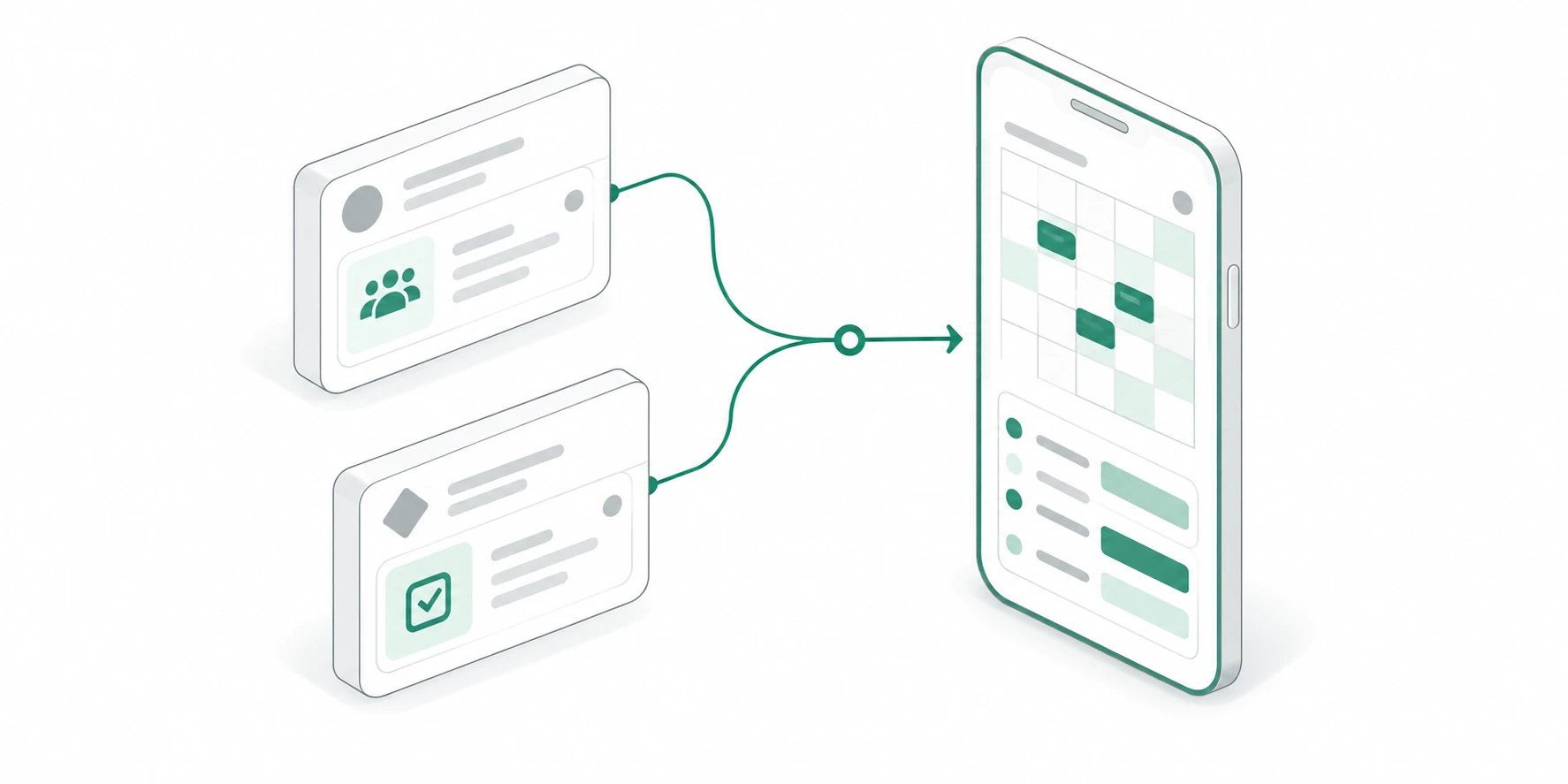
- Bring schedules from multiple Kato workspaces into one color-coded view.
- Move between month, day, year, and agenda views without losing your place.
- Choose which meetings, events, open tasks, and completed tasks belong on your calendar.
Release details
Release details
Every workspace in one view
The mobile calendar can combine schedules from multiple Kato workspaces. Color coding keeps each workspace recognizable while a single timeline shows how the day actually fits together.You can choose the workspaces that belong in the view and switch into the right workspace when opening an item from somewhere else.Tasks, meetings, and events together
Connected calendar events, Kato meetings, and dated tasks now share the same mobile calendar. Display preferences make it easy to include only the sources that matter for the moment.Open and completed tasks can be controlled separately, helping the calendar stay focused without hiding useful history.A view for every planning horizon
Use the month view to understand capacity, the day and agenda views to work through what is next, and the year view to move quickly across longer time ranges. Your selected date and display preferences remain consistent as you move between them.Related guides
- Connect Google Calendar: Bring connected events into Kato.
- Meetings and follow-ups: Learn how meetings become connected work.
The right update, wherever you are
July 28, 2026
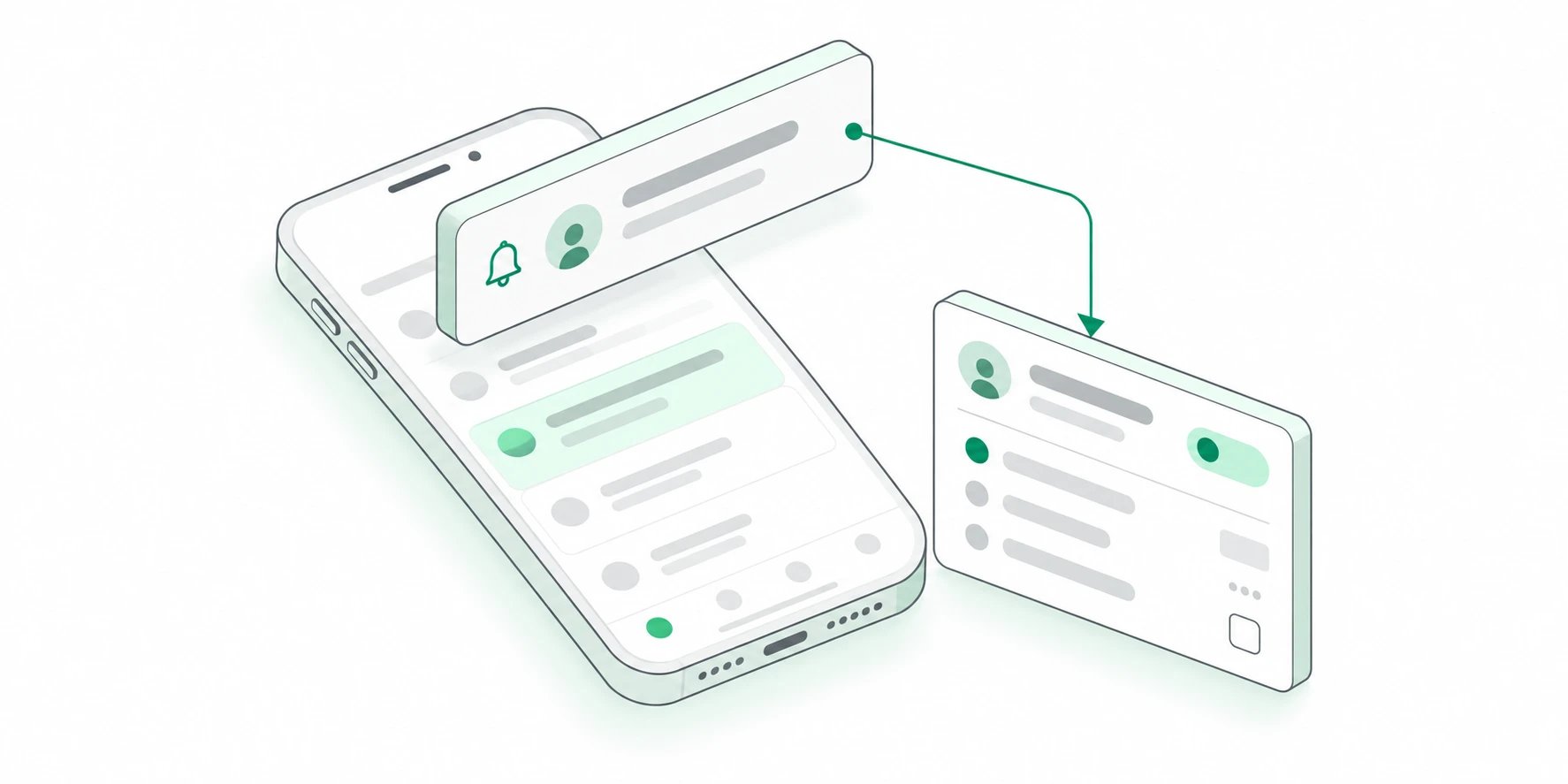
- Opt in and manage notification preferences from the mobile app.
- Receive timely updates for the activity that matters while you are away.
- Open a notification and continue from the relevant place in Kato.
Release details
Release details
Important work can find you
Mobile push notifications bring timely Kato activity to the device you already have with you. Updates can arrive when the web app is closed, making it easier to stay aware of work that needs attention.Notifications are designed to carry enough context to understand what happened without turning every update into an interruption.Continue in the right place
Tapping a notification opens the relevant destination in Kato, so a useful update becomes a direct path back to the task, conversation, or workspace behind it.The mobile notification center also provides a consistent place to review recent updates after the moment has passed.Preferences stay in your control
Push access is opt-in, and notification preferences are available from mobile settings. Teams can keep the updates that help them move work forward while reducing the ones that do not.Related guides
- Visit the Help Center: Find setup guides and answers for Kato.
- Organize tasks: Learn how task ownership and status work in Kato.
Build your own workflows on Kato
July 24, 2026
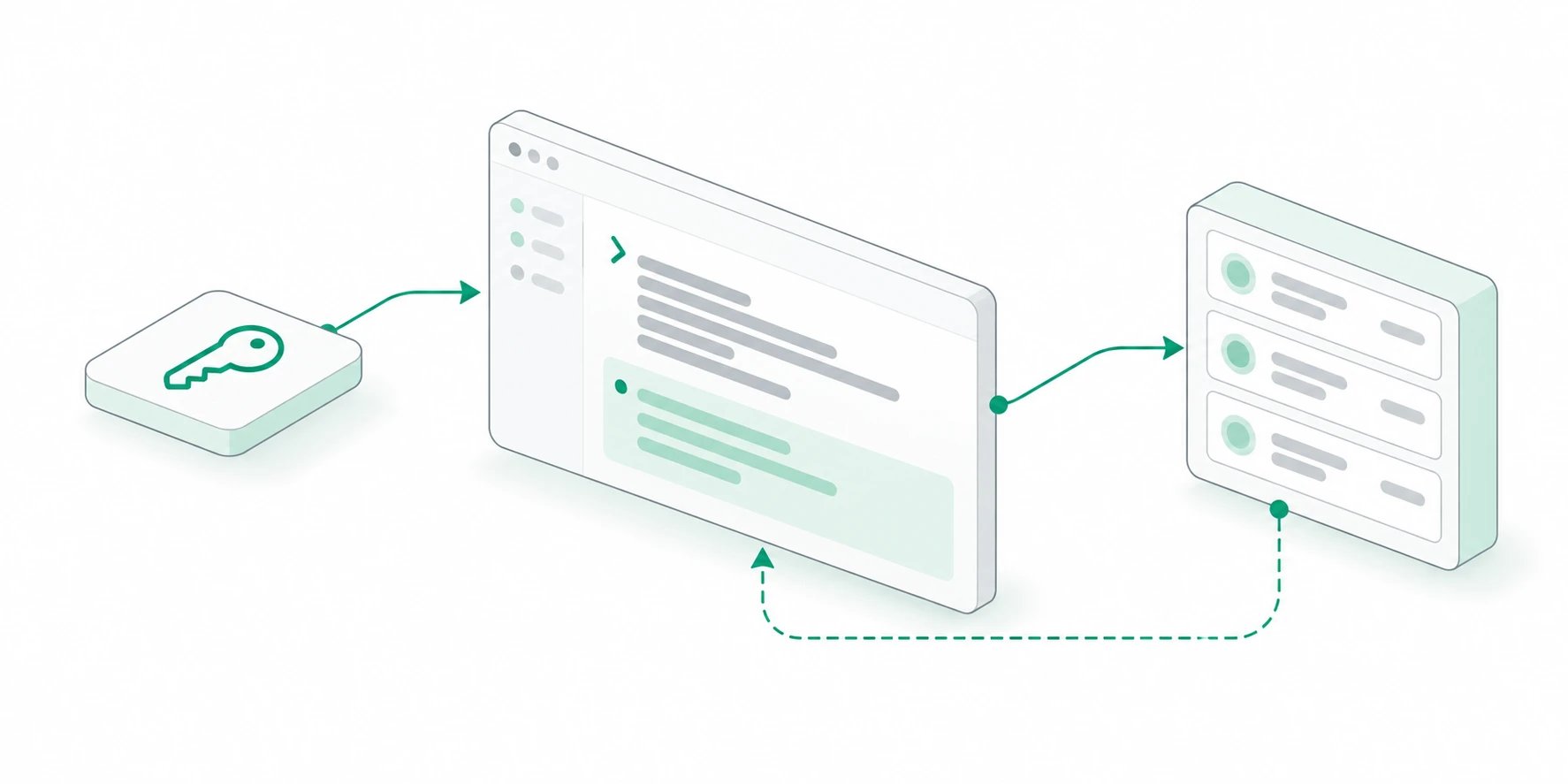
- Create and revoke workspace API keys from a dedicated developer settings area.
- Work with objects, records, and tasks through versioned API endpoints.
- Subscribe to signed webhooks and manage project environment values from Kato or the CLI.
Release details
Release details
Workspace access you can control
Workspace administrators can create and revoke API keys from developer settings. Each key provides an explicit credential for custom tools, scripts, and services that need to work with Kato data.Keeping key management inside the workspace makes ownership visible and gives administrators a clear place to remove access when a workflow changes.Versioned APIs and signed webhooks
The first versioned endpoints cover the core building blocks of a Kato workspace, including objects, records, and tasks. Webhooks can notify an external system when relevant changes happen instead of requiring constant polling.Webhook signatures provide a way for receiving services to verify that a delivery came from Kato before processing it.Project configuration from the CLI
Developer workflows can also manage project environment values and bring them into local work through the Kato CLI. That creates a more direct path between the records that describe a project and the systems used to build it.Related guides
- Browse integrations: Connect Kato to the tools your work already uses.
- Connect an integration: Learn how workspace connections are managed.