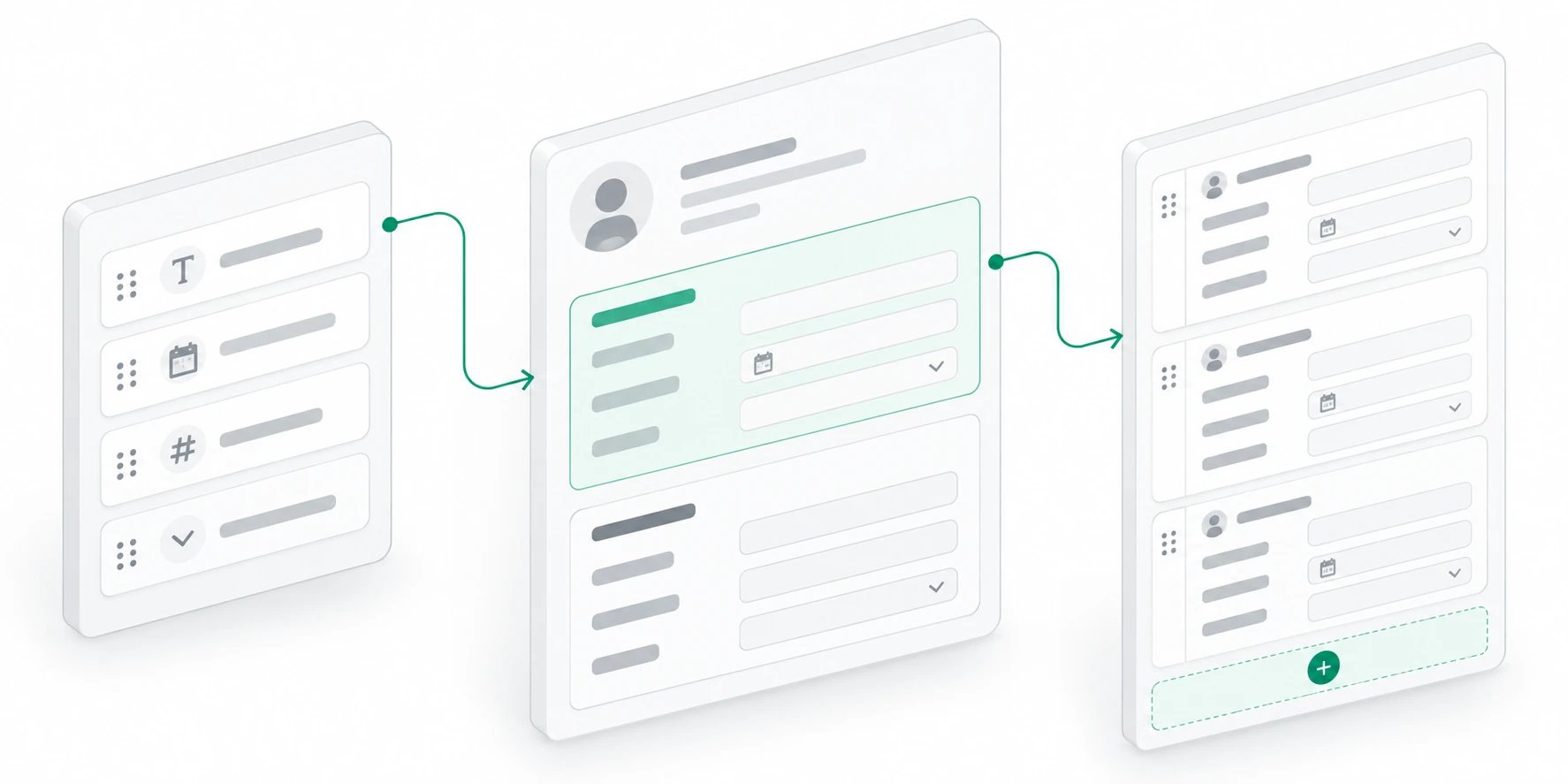
Create a record
- Open the object from the sidebar.
- Choose New followed by the object’s singular name, such as New Project.
- Enter a recognizable name and the required details.
- Add any useful links to other records.
- Create the record and review its details.
Keep details current
Open the record when you need to review or update its values. Use clear names that help someone distinguish it from similar items. Update the status and other working details when the work changes. Before creating another record, check whether the item already exists. Reusing one record keeps its relationships and context together.Example: add the Relio website project
Assume your Projects object has a name, a status, a target date, and a Client relationship. Your workspace may use different labels.
Create the record and reopen it. Check the relationship by opening the linked
client. A client name typed into a text field may look similar, but it does not
provide the same connection.
Make an update without losing context
When the project starts, change the status on this record. When its target date changes, update that date rather than making another record for the revised plan. Keep the name stable enough that your teammates can recognize the project. Use the record to hold the current structured details, and the related work to explain the actions around them. For example, the record holds the launch target; a task describes the work needed to meet it.If the record seems to be missing
Check the workspace, object, selected view, and filters in that order. A project that moved to Complete may disappear from an Active projects view even though it still exists in the object. Confirm that you are looking for the same item before recreating it. If you can see the record but cannot edit a value, check whether it is a managed attribute and whether you have the needed access. An unavailable field is not necessarily an empty field.See the same record in different views
A record can appear in several views of its object. For example, a project might appear in both an active-project table and a board grouped by status. These are presentations of the same record, so a value changed in one is reflected in the other.Add the surrounding context
Link the record to the other items your team needs to understand it. A project linked to its client is easier to interpret than a project with the client’s name copied into an unrelated text field.Connect related records
Build useful connections between the things you track.
Organize details into sections
Configurable record sections are part of an upcoming web release.